01
Walk in
Open the floor with no account. Named staff are already at desks. Watch who is working before you sign in.
Open live demo →DENIZEN
You do the work only you can do. The office does the rest — and you can see it.
No new subscriptions. Named staff. You gate code, mail, and desktop.
Or click Buzz to walk in
Same agents. Two views. Left: how you debug today. Right: Denizen — who’s on the floor, what they’re doing, and what needs you.
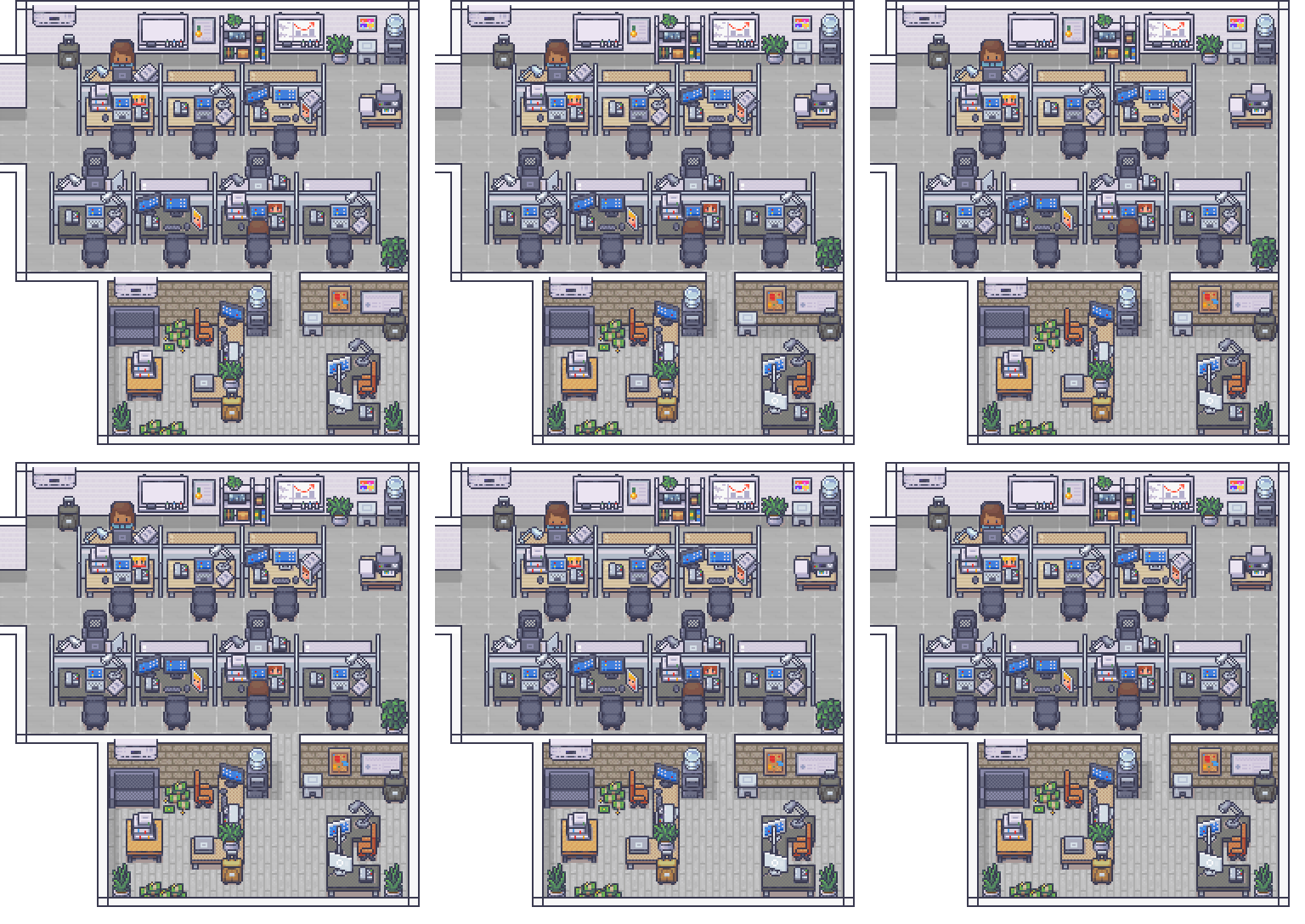 Preview · live in demo
move cursor to compare · 50% floor
Lucy, chase the inbox
Marcus, pull standup
Bouncer, check the gate
The floor
Abby breaks a job into the next desk. You see the pass on the floor, and you only get pulled in when it needs you.
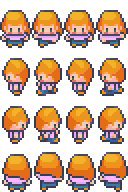
CTO
Arbitration, code review, and the person who unsticks blocked work. When agents disagree, she makes the call.
On the floor: Deep in reviews, escalating hard decisions, unblocking the eng floor.
Seat an AI
Nothing new to buy. Import never auto-runs — you click Seat.
 Claude
Abby · Seat in demo
On it
Cursor
Marcus · Seat in demo
On watch
Grok
Bouncer · Seat in demo
Greeting
Claude
Abby · Seat in demo
On it
Cursor
Marcus · Seat in demo
On watch
Grok
Bouncer · Seat in demo
Greeting
 LM Studio
Lucy · Seat in demo
LM Studio
Lucy · Seat in demo
Each bubble is what you notice on the floor. The card under it is the subscription you already have. You click Seat. Nothing auto-runs.
Desktop
Denizen seats the models you already pay for and puts mail, CRM, and the workbench on the same floor. On Desktop, keys and files stay on the machine you pair.
Download DesktopYour subscriptions
abby › ship the CRM follow-up
Your tools
Your machine
Keys stay on this machineHow you start
Three beats. No new subscriptions. You still gate code, mail, and desktop.
Open the floor with no account. Named staff are already at desks. Watch who is working before you sign in.
Open live demo →Put Cursor, Claude, Grok, or LM Studio at a named desk. Nothing auto-runs — you click Seat.
See the desks →Screenshot or speak. You see the note first, then it hits her workbench — not a mystery chat.
Meet Buzz →What you get
One office for the crew, the work, and the AIs you already subscribe to.
See who is working without opening Slack or logs. Sixteen named staff. Demo is free to walk in.
Try the floor in the live demo →Approvals, inbox, and trail in one rail — not twenty tabs. Human gates on code, mail, and desktop control.
Open the workbench in demo →Screenshot or speak; Abby gets the note, you see it first. In the office now — always-on-top on Desktop.
Try Buzz in the live demo →The models you already pay for, one floor, less overlap. Seat Claude, ChatGPT, Cursor, Grok, or LM Studio at a desk in a few clicks.
Seat an AI in the demo →CRM, your own compute, a desktop station, a guard — not four extra products. The stack most teams buy four times, already on this floor.
Try the tools in the live demo →The ring opens as in the office.
A small phone that floats over the floor. Click it, a ring opens, and whatever it catches goes to Abby with one line from you. You see it before it goes.
One capture path for every AI on the floor. You keep the subscriptions you already have; Buzz just puts the work in one place so you spend less time (and less overlap) herding them.
Try it in the officeScreenshot of the floor — one line for Abby. On Desktop she gets the path. In the browser the office stores a copy after you send.
The room in parts. Each chunk hits the workbench as text, so you can leave and still have the trail when you come back.
Demo · Team · Desktop
Walk the floor free. Talk to Zion to start a team office. Install Desktop when you want Buzz over every app and a station on your machine.
Open the floor — no account. Watch staff work. Buzz a note to Abby. Throwaway session.
Workbench, Meridian CRM, Connect AI, handoffs, and memory persist. Start with a conversation — no card on this page.
Pair a station. Local models, screen/files with off / ask / trusted, and an always-on-top Buzz overlay.
Built in Oklahoma City by Dolonia Data Tech Solutions (1921 Holding Co.). Join Discord or open the live demo and ask for Zion.
Souls and memory live on disk. Desktop permissions are explicit. High-impact actions wait for you. Optional mesh is opt-in — not a promise that nothing ever leaves.
Connect AI uses the subscription you already have. Local LM Studio stays on your machines.
Code, email, and desktop control surface as proposals. Nothing high-impact happens silently.
Team sessions are yours — not the host’s. Pair Desktop to your real account, not a demo guest.
Your noteScreenshot of the floor — one line for Abby. A transcript if you spoke.
DesktopA path under buzz-captures on your disk.
BrowserA stored copy so she can look at the shot, after you send.
The table is public in TELEMETRY.md.
Questions
Lucy at the desk will talk you through it. The short version is here.
Your agents do real work, but you only see it as text. Denizen puts that work on a floor you can watch: who’s idle, who’s shipping, who needs you.
Logs say something happened. Dashboards pile up metrics. Denizen is spatial — you read the room like a manager walking the floor, then open the trail only when you need it.
No. Connect the models you already pay for. Less tab-hopping and less overlap, because Claude, ChatGPT, Cursor, and the rest share one office.
Demo is free. Team starts with a conversation on Discord — no card on this page. Desktop is the station install.
Browser office is enough to walk the floor and Buzz. Desktop is for the overlay plus local files and models.
Yes for Desktop station work. Lid-closed jobs are listed under Coming.
No. Seat the subscriptions you already have. Claude, ChatGPT, Cursor, Grok, and LM Studio share one floor.
Yes. Buzz is part of the office — screenshot, record, meeting, dictation. Desktop adds always-on-top and leave-invisible. Nothing about Buzz is locked behind a paid plan.
Souls and memory live on disk. Desktop screen and files are off / ask / trusted. A hosted office still needs a copy of a browser screenshot so Abby can see it — that is written down in TELEMETRY.md.
Open the live demo — no account. Watch the floor move, Buzz a note to Abby, then talk to Zion when you want a team office that persists.
Solo builders juggling agents, teams that hand off work, and ops folks who want patrols and escalations visible — not buried in another tile.
Station work that keeps going after the laptop sleeps.
Talk to Zion on Discord →Your floor from a phone app, wherever you are.
Talk to Zion on Discord →The office does the rest. Download the station, or talk to Zion about a team floor.
 ChatGPT
 Cursor
 Grok
Grok Gemini
 Kimi
Kimi